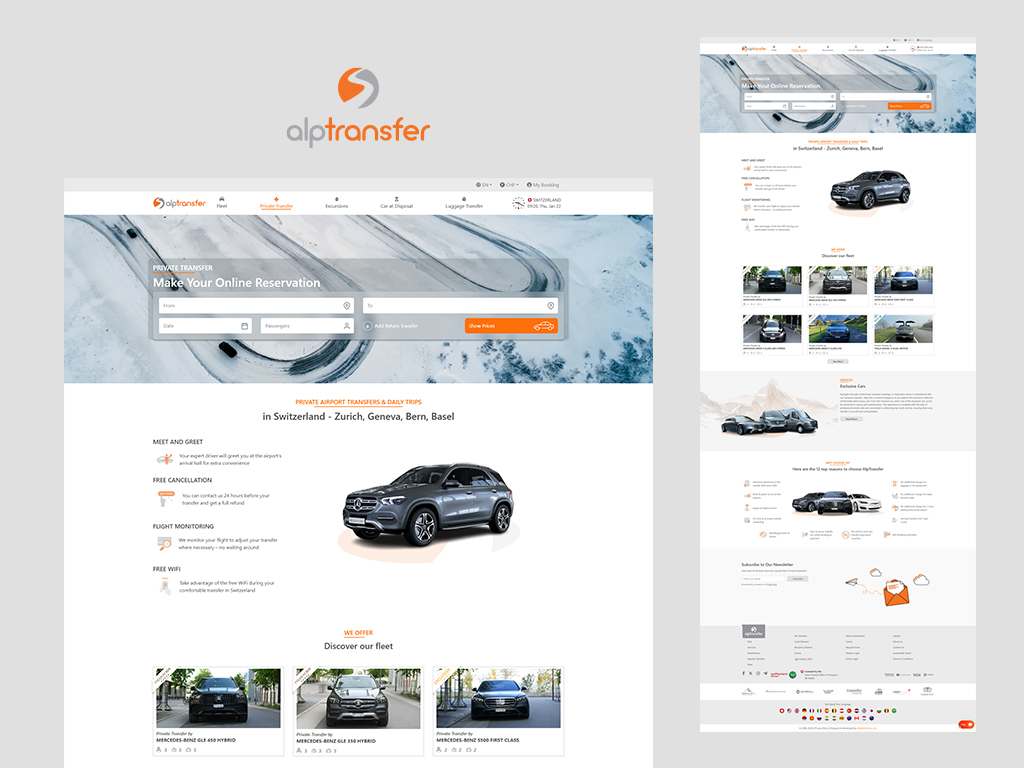
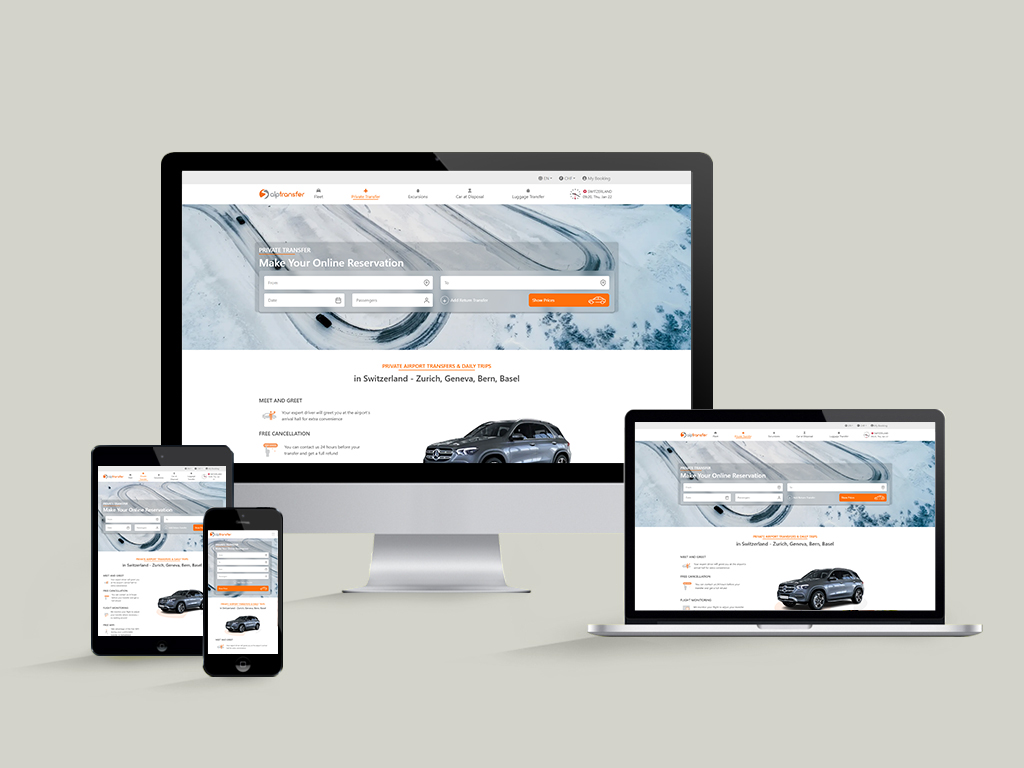
UX/UI design for a premium private transfer service offering Airport Transfers, Car at Disposal, and Luggage Transfer, supported by a professional fleet, transparent services, and a seamless booking experience. The project focuses on simplifying the booking flow, clearly presenting vehicle options and pricing, and creating a premium visual identity that reflects reliability and comfort. Continuous improvements are made based on user behavior, feedback, and evolving business needs.
Duration: Ongoing / Continuous updates and feature enhancements
My roll: UX/UI designer
Collaborations: A team of designers and IT specialists
Weaknesses: Limited personalization, price can fluctuate, less focus on luxury experience
2. Blacklane
Strengths: Focused on airport transfers and professional chauffeur service, fixed pricing, high-end vehicles
Weaknesses: Slightly complex booking form, slower mobile experience
3. Local Airport Transfer / Private Transfer Services
Strengths: Personalized service, local knowledge, flexible schedules
Weaknesses: Outdated UI, unclear pricing, poor mobile experience
User Research
Target Users
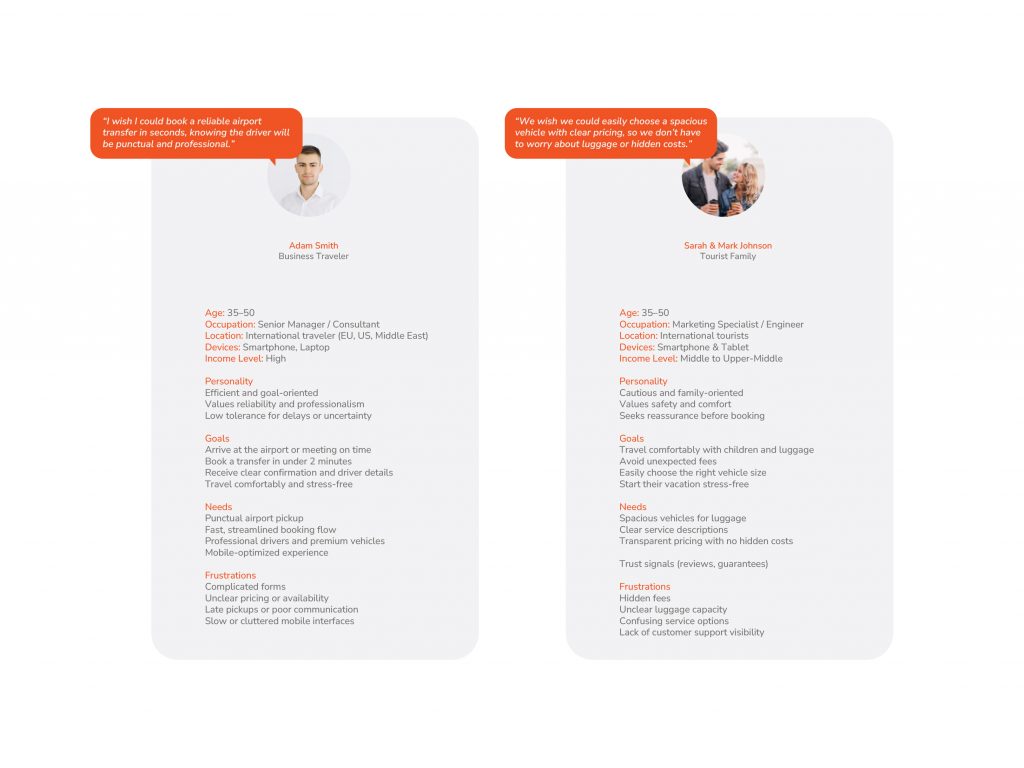
Business Travelers
Need punctuality and professionalism
Often booking from mobile
Tourists
Concerned about safety and clarity
Often unfamiliar with local transport
Luxury / Event Clients
Expect premium visuals and service
Users Quotes
“I just want to know the driver will be there.”
“I don’t want surprises with price.”
“I’m traveling with luggage and kids.”
“I need someone waiting with my name.”
Pain Points
Too many steps to get a price
Hidden fees
Unclear pickup instructions
Poor mobile usability
Overly generic vehicle descriptions
User Needs
1. Fast & Simple Booking
Users want to book transfers quickly, ideally in under 2–3 minutes.
Minimal steps, clear forms, and auto-fill options improve efficiency.
2. Transparent Pricing
Clear, upfront pricing with no hidden fees.
Ability to compare vehicle options and service types before confirming.
3. Reliable & Professional Service
Assurance that drivers are punctual, professional, and verified.
Safety and trust are critical, especially for airport transfers.
4. Clear Vehicle Information
Vehicle type, passenger capacity, luggage capacity, and amenities.
High-quality images help users feel confident in their choice.
5. Flexible Options
Ability to book airport transfers, city-to-city rides, or hourly chauffeur services.
Options for multiple stops, scheduling in advance, or recurring trips.
6. Mobile-Friendly Experience
Users need a smooth experience on mobile, since bookings often happen on-the-go.
Large buttons, sticky CTAs, and responsive forms are essential.
7. Trust & Reassurance
Reviews, ratings, certifications, and clear communication about pickup points.
Real-time updates (optional) for flight delays or driver arrival.
8. Support & Guidance
Easy access to FAQs, customer support, or live chat.
Instructions on pickup points and driver contact information.
Empathy Map
Says
Thinks
– “I need to get to the airport on time.” – “I want to know exactly how much this ride will cost.” – “I hope the driver is professional and punctual.”
– “Am I booking the right type of vehicle?” – “Is this service trustworthy?” – “I don’t want hidden fees or surprises.” – “I hope it’s fast and hassle-free.”
Feels
Does
– Anxious about flight schedules or traffic delays – Frustrated if booking flows are confusing – Reassured when pricing is transparent – Excited about a premium, comfortable ride
– Searches for reliable transfer services online – Compares prices, vehicles, and reviews – Books via mobile or desktop – Checks confirmation emails or SMS – Sometimes contacts support if unsure
User Journey Map
1. Landing on Homepage
The user arrives at the website and immediately sees the booking form and service highlights. First impressions build trust and guide the user toward action.
2. Enter Pickup & Drop-off Locations
The user inputs where they are and where they want to go. Autocomplete and map suggestions make this step fast and error-free.
3. Select Date, Time, Passengers
The user chooses the travel date, pickup time, and number of passengers. Clear options and defaults reduce confusion and speed up booking.
4. Choose Vehicle
The user selects a vehicle type based on capacity, amenities, and price. High-quality images and descriptions help the user feel confident in their choice.
5. Review Price
The total cost is displayed clearly with no hidden fees. This builds trust and helps the user make a final decision.
6.Confirm Booking
The user verifies all details and confirms the booking. A simple, prominent CTA ensures the action is easy to complete.
7. Receive Confirmation
The user receives an email or SMS confirmation with all booking details, pickup instructions, and driver contact. This reassures the user and reduces anxiety.
Information Architecture
Main Navigation
Home
Services
Airport Private Transfer
Car at Disposal
Luggage Transfer
Fleet
About Us
Contact / Book Now
Footer
FAQs
Terms & Privacy
Social Proof & Reviews
User Flow (Booking)
Landing on homepage
Enter pickup & drop-off
Select service type
Choose vehicle
Review details & price
Confirm booking
Design
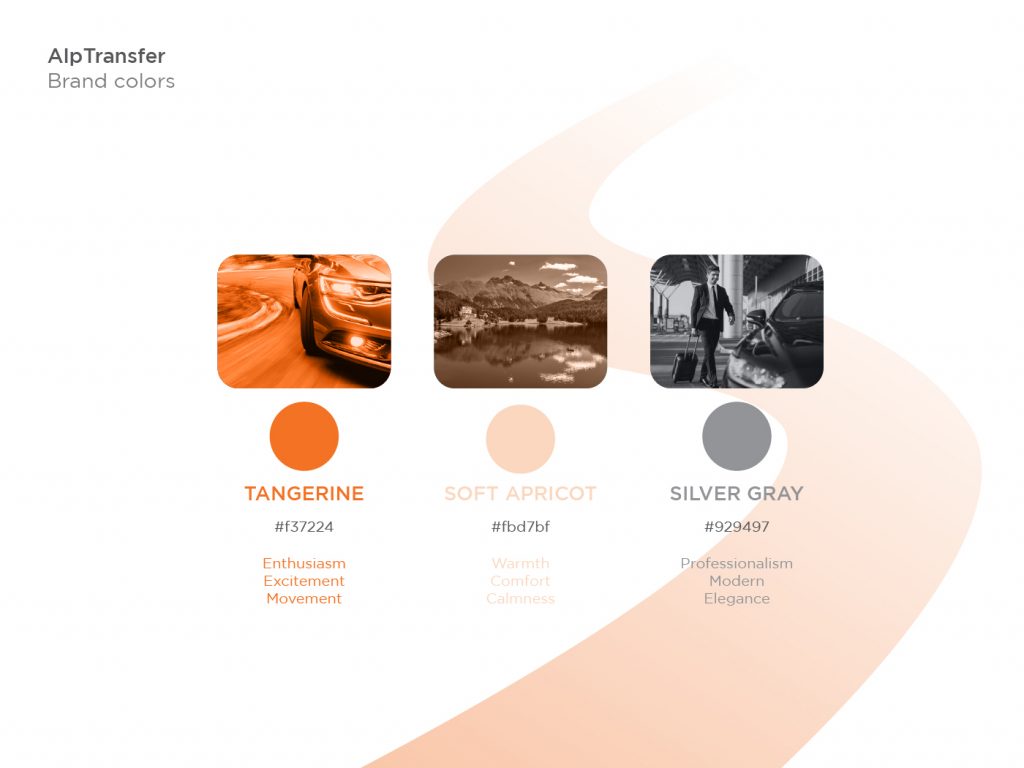
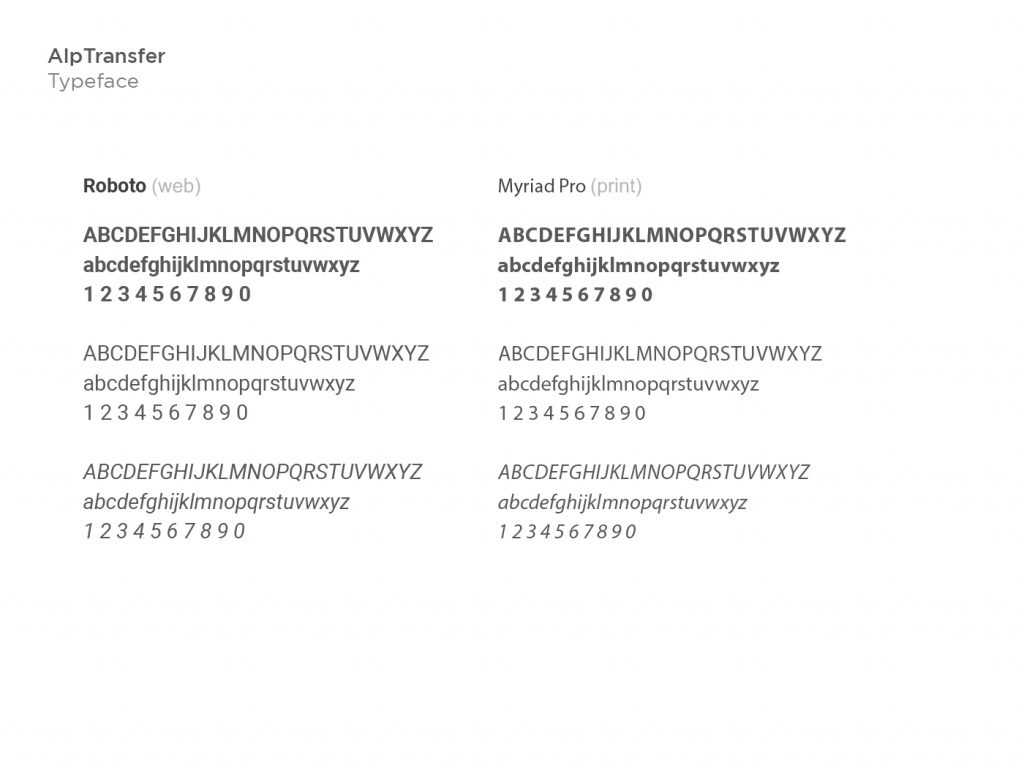
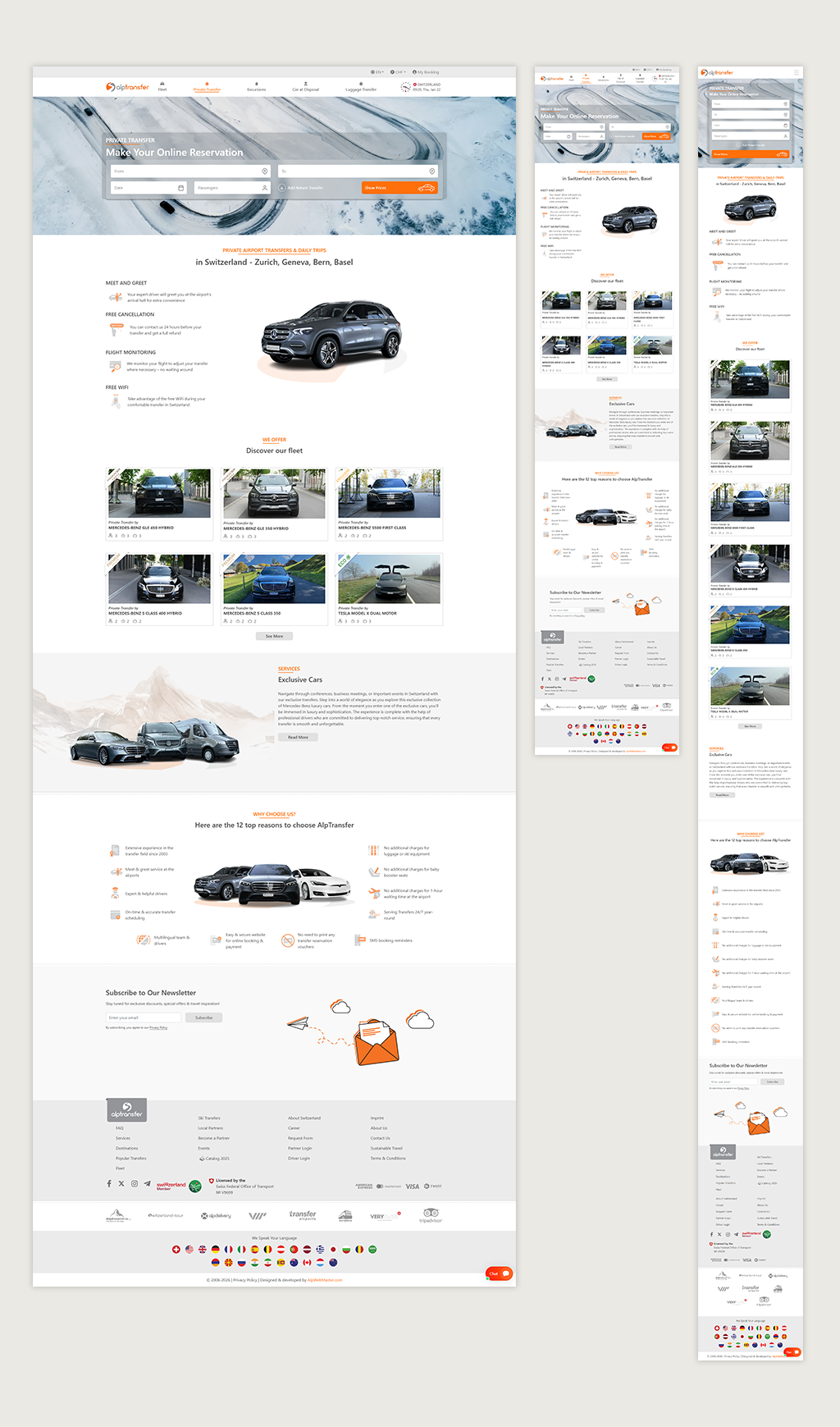
The design focuses on creating a clean, premium, and intuitive experience that reflects trust and reliability. A minimal layout, clear typography, and strong visual hierarchy guide users effortlessly through the booking process. Emphasis is placed on simplicity and speed, ensuring users can understand services and complete reservations with ease. The overall aesthetic balances elegance and functionality to appeal to both business and leisure travelers.
Test
Usability Testing
Usability testing was conducted with representative users to evaluate the clarity, efficiency, and ease of the booking experience. Participants were asked to complete key tasks such as selecting a service, choosing a vehicle, and completing a booking. The tests revealed the importance of a simplified form layout, clearer service labels, and visible call-to-action buttons. Insights from testing were used to refine navigation, reduce friction, and improve overall user confidence.
Design System Language
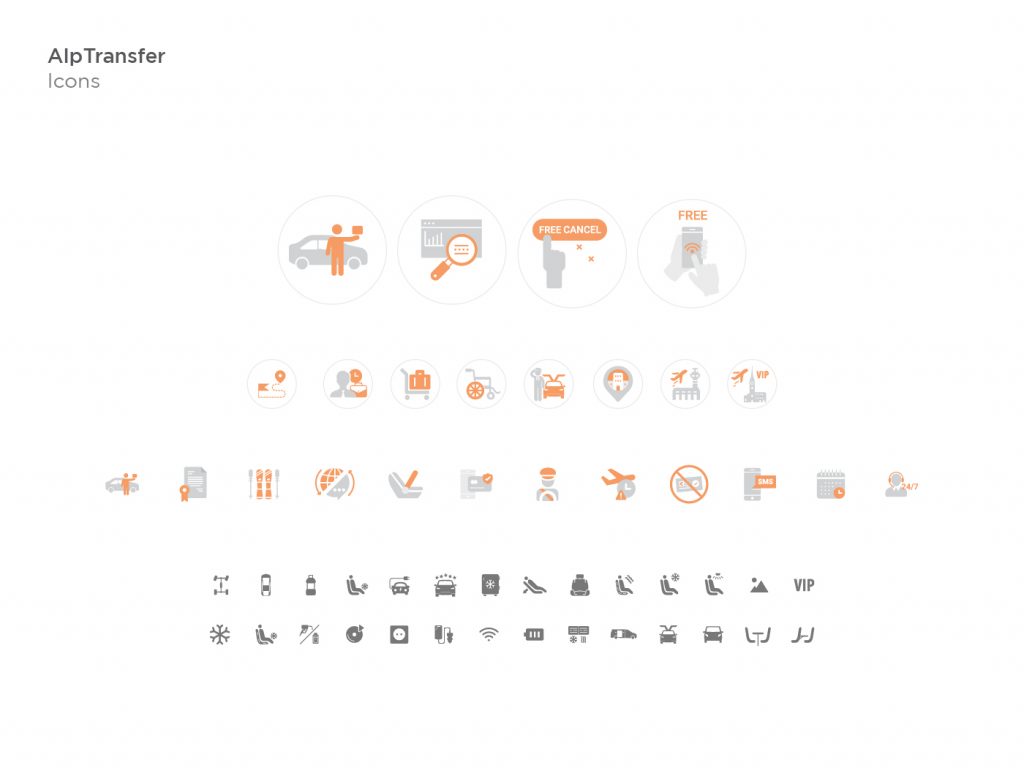
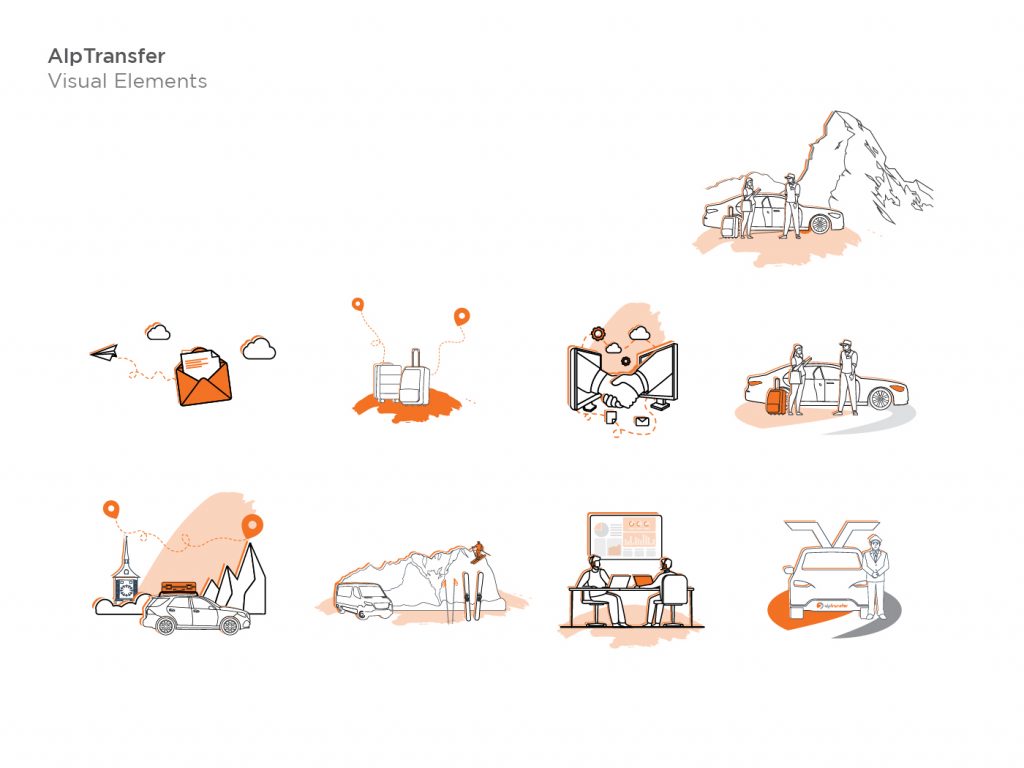
We created a design language – a set of rules and principles that could be followed in the future to ensure consistency throughout the website.
Feel free to reach out for collaborations or just a friendly hello 😉